Sierra Chart Review: Packages, Orderflow & Data
A practical ES & NQ buying guide: choose the feature, verify the feed, then confirm the execution connection.
Updated October 26, 2026 · 13 min read

This is a documentation-based product review, not a firsthand Sierra Chart trading test. I use ExoCharts. There are no Sierra Chart affiliate links here; Sato VIP and mentorship are my paid services. Package prices, feeds and account permissions can change.
This Sierra Chart review finds a configurable platform to investigate for futures footprints and profiles, but not an automatic upgrade for every trader. Separate three decisions: the software package, the data service and the execution connection. Package 11 adds advanced features to the Integrated range; Package 12 adds Market by Order. Neither removes the need to verify live exchange access or your firm's permissions.
A Sierra Chart subscription buys software capabilities, not a ready-made trading method. The useful question is whether its charting and connection options solve a problem in your process. For an ES or NQ trader, that might be organising executed volume, studying auction structure or bringing analysis and supported execution into one workspace. Buying the largest package before defining that problem reverses the decision.
Sierra Chart review: who should consider it?
The strongest candidate is a trader who wants detailed control over footprints, profiles and chart settings, and is prepared to verify the underlying data. Sierra Chart's official documentation describes configurable Numbers Bars and TPO studies. Those are concrete analytical capabilities; they are not evidence that the platform improves every user's results.
A trader who mainly marks a few levels and places straightforward orders may not need another desktop platform. Configuration, extra feeds and a second workspace can consume attention without changing a decision. Start with the execution platform you already understand, then identify what it cannot show.
| Need | Reason to investigate | Check first |
|---|---|---|
| Executed volume by price | Numbers Bars | Advanced package and tick data |
| Time-based auction structure | TPO Profile Charts | Sessions, increments and package |
| More detailed order-book data | Market by Order options | Package 12 and compatible service |
| Prop account execution | Supported trading services | Firm-specific permissions |
| Native Mac simplicity | Not a native Mac product | Windows or unsupported Wine route |
For the bigger choice, see my futures trading platform comparison. This article addresses Sierra-specific purchase and configuration questions rather than repeating a general introduction to orderflow.
Packages 10, 11 and 12: choose features before price
Sierra Chart groups Packages 10, 11 and 12 as Integrated service packages. Its package documentation distinguishes Standard, Advanced Features and Advanced Features with Market by Order. Integrated packages are required for Denali or an external data or trading service; that requirement does not mean every such service is included in the package price.
| Package | Documented tier | Decision question |
|---|---|---|
| 10 | Integrated Standard | Do standard features meet my needs? |
| 11 | Integrated Advanced | Do I need Numbers Bars or advanced profiles? |
| 12 | Integrated Advanced with Market by Order | Will I actually use supported MBO data? |
Numbers Bars is an advanced feature. If footprints are the reason you are subscribing, do not select a standard tier solely because its headline price looks attractive. Conversely, do not select Package 12 because more sounds safer. First identify the Market by Order feature you want, its connection requirements and how it would change your observations.
Read the live package table before subscribing. This review deliberately does not turn a temporary price or multi-month offer into a permanent fee claim. Compare recurring commitments and feature access, not just the amount shown on the first checkout screen.
Denali, exchange fees and the real monthly cost
Keep software, market data and order routing separate in your budget. Sierra Chart's supported-services documentation lists services with different data types, histories, account requirements and charges. Some access is included, some costs extra and some needs an external provider or trading account.
For ES and NQ, verify your selected service's CME coverage and whether you need top-of-book, market depth or more detailed information. A chart updating in real time does not establish that every order-book feature receives the data it needs. A demo feed also does not establish the entitlements of your eventual live account.
Ask which exchange classification applies to you, what verification is required, and which fees are separate from the software package. Do not assume owning a prop evaluation automatically qualifies you for every reduced data rate. The provider's current requirements govern that assessment.
A useful cost sheet has four lines: software package, data-service charge, exchange fees and any separate execution or broker costs. Then add only the extras your setup genuinely uses. Obtain those amounts from current official pages and your account provider rather than copying a creator's old pricing screenshot.
The practical problem is not merely overpaying. It is paying for an analytical view whose data you have not verified. Missing history or inappropriate depth can make a beautifully configured workspace less informative than a simpler chart with the correct feed.
Numbers Bars: what a Sierra Chart footprint can tell you
Sierra Chart calls its footprint-style feature Numbers Bars. The official study documentation describes configurable per-price information, including bid and ask volume, colouring and highlighting. You can organise executed activity inside bars instead of reading only their open, high, low and close.
That answers a different question from a resting-liquidity display. Executed selling at the bid is trading that occurred. A visible bid waiting in the order book is an order that can still cancel. A footprint cannot show every participant's intentions or guarantee that aggressive buying will continue.
Sierra Chart identifies Numbers Bars among the features requiring tick-by-tick data for accuracy. Supported services can differ in available historical tick records. Before comparing two footprints, match the contract, history, session definition, bar construction and price aggregation.
Start with a restrained display. Choose information you can explain in plain language, then review whether it changes your assessment at a prepared location. A page of highlighted imbalances can look precise while encouraging entries with no invalidation plan.
My footprint charts guide covers bid/ask volume and interpretation. The cumulative delta guide explains why aggressive volume and price progress can diverge. Neither concept is a platform-generated guarantee.
TPO and volume profile: similar chart areas, different measurements
Sierra Chart documents TPO Profile Charts with configurable profile periods, price increments, value areas and point of control. TPO organises time opportunities at prices under your chosen settings. Volume profile organises traded volume. Do not treat their points of control as interchangeable simply because the lines occupy the same screen.
Session boundaries matter. A profile including overnight activity can produce different references from one restricted to the cash session. Contract rollover and aggregation matter too. Write down your definitions so a level does not silently change when you load another chartbook or template.
Use profiles to frame acceptance and rejection, not to label every boundary as support or resistance. Price can rotate around a busy area or move away from it. The subsequent response determines whether your scenario remains relevant; the software merely organises the historical observations.
If the concepts are new, begin with market profile and TPO. For a focused decision framework, read the POC and value area playbook. A configurable profile does not remove the need for consistent definitions.
Can Sierra Chart execute trades on your prop account?
A supported service can provide data, trading connectivity, or both. Sierra Chart's service list is not a universal permission slip for all accounts associated with a provider. Verify the exact account type, login permissions, service documentation and your firm's approved platform list.
Analysis on separately purchased data is different from order routing into an evaluation or funded account. If you keep execution elsewhere, determine whether your analytical feed and execution feed are aligned well enough for your process. If you want orders routed from Sierra Chart, confirm that particular combination before paying.
Ask about simultaneous sessions, protective orders, reconnection behaviour and any copying restrictions. An order accepted in one environment does not establish another account's permissions. Test only in an authorised practice environment and understand how to close a position if the platform disconnects.
My own stack remains ExoCharts for orderflow, TradingView connected to Tradovate for execution, and Tradecopia to copy my own trades. I am not recommending that Sierra Chart replace it or claiming to have connected it to my funded accounts. See Rithmic versus CQG for the broader feed and routing distinction.
Windows, Mac and the configuration trade-off
Sierra Chart is designed for Windows. Its documentation describes running through Wine on macOS, Linux and BSD, but explicitly says its support and engineering do not provide help for those environments. That distinction matters if native Mac simplicity is a buying requirement.
A workaround may be acceptable to a technically comfortable user; it is not the same promise as a supported native app. Before committing, account for your hardware, operating system and tolerance for maintaining the environment. Do not assume a third-party tutorial changes the official support boundary.
Configuration itself deserves a budget—not just in money, but in focused time. Set up one instrument, one session definition and one analytical question first. Save a known working configuration before experimenting. More studies are not useful if you cannot remember which feed or session each one uses.
This review makes no measured speed, stability or latency comparison. Such claims would require a controlled test with matching hardware and connections. The documented feature set can inform a shortlist, but it cannot establish how your own setup will perform under load.
Want to review your orderflow process 1:1?
We work on my preparation and orderflow process, your confirmation and risk—not a promise of Sierra Chart-specific training or profitable signals.
Explore 1:1 MentorshipSierra Chart vs Bookmap, ExoCharts and TradingView
Choose by the missing question. If you want executed volume organised by price, compare footprint tools. If you want the history of displayed resting liquidity, investigate a heatmap. If you mainly need to map prepared levels and manage orders, begin with charting and execution rather than buying another analytical layer.
My Bookmap review discusses heatmap mechanics and connection costs. Sierra Chart's configurable Numbers Bars and profiles offer a different review angle. Neither article presents a controlled win-rate comparison, and neither justifies changing a strategy solely because another screen contains more detail.
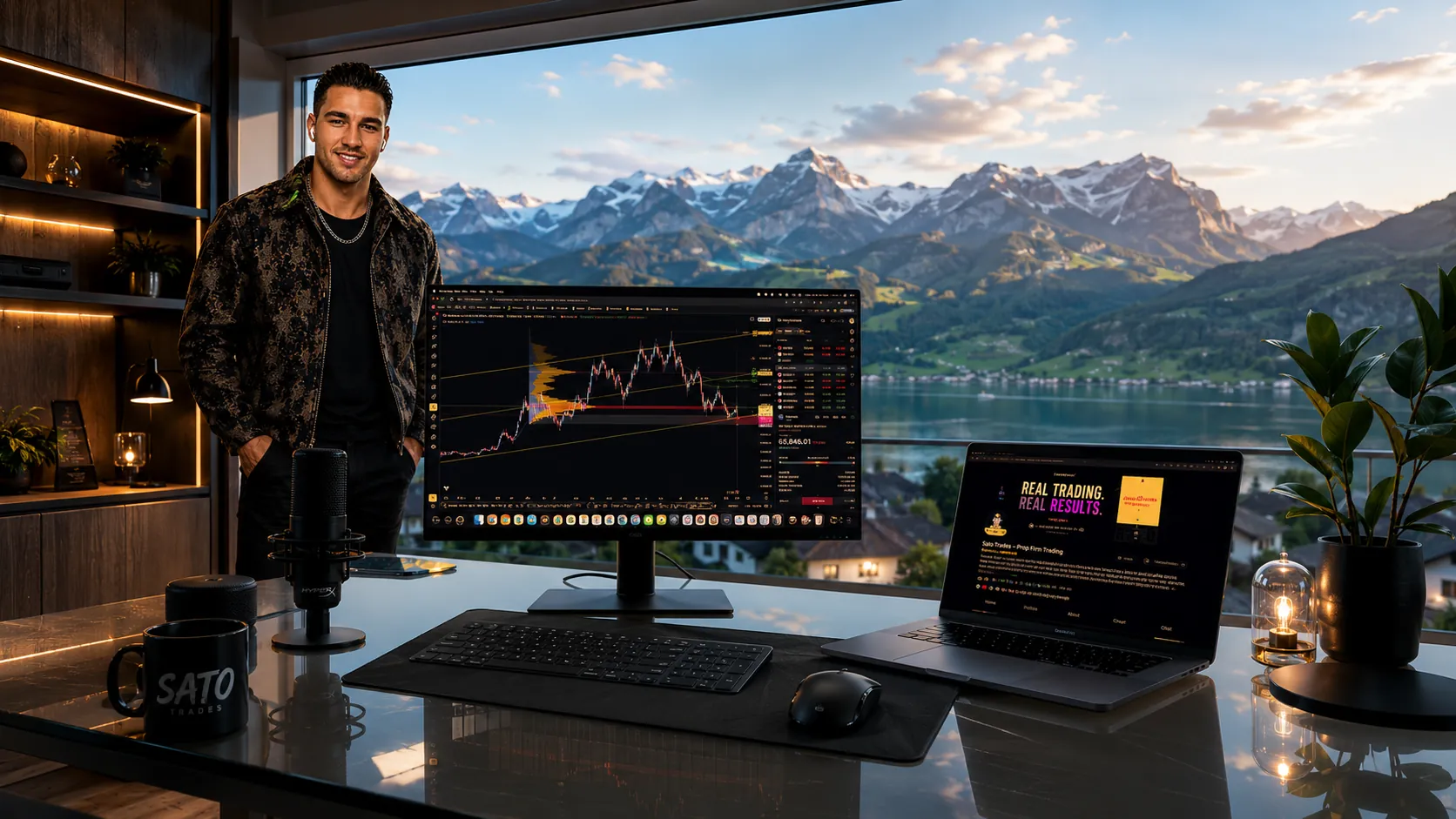
For my level-mapping approach, the TradingView tutorial shows how I organise ES and NQ areas. A marked liquidity level is a location to investigate; it is not a software-generated order or a reason to ignore the price response.
An ES review exercise before adding another tool
This is a hypothetical observation exercise, not a Sierra Chart trade I took. Mark an ES area before the session and write down two scenarios: acceptance below the area, or a failed move below followed by recovery. Define what would invalidate each interpretation before looking at detailed executed volume.
Now observe the sequence. Does aggressive selling produce further downside? Does price recover the area? Does your footprint add information you would otherwise miss, or merely make the finished move easier to explain? Record failures as well as attractive examples.
Keep the trading rule separate from the observation. Heavy selling with limited price progress can warrant attention, but it does not require a long entry. You still need your own confirmation, a defensible stop and position size within your loss limit. If the structural stop is too wide, reduce size or skip the trade.
Repeat the exercise with matching data and settings. If a new display consistently changes your understanding without encouraging extra trades, you have a reason to keep investigating. If it only improves hindsight commentary, the configuration has not yet earned a place in the execution process.
Pros, cons and the final purchase checklist
Reasons to investigate: configurable per-price analysis, documented profile tools and a clearly described range of software and service options. Those capabilities may suit a trader who values detailed control and understands the data behind the display.
Reasons to wait: unconfirmed execution access, unsupported operating-system expectations, unclear all-in costs or no defined use for the advanced features. More configuration can become a distraction if your basic trade location and risk rules are still unsettled.
- Name the feature your process needs.
- Choose the package that actually includes it.
- Confirm historical data, live exchange access and depth.
- Verify execution permissions separately with your account provider.
- Test a simple configuration without changing your risk rules.
My Sato VIP daily ES & NQ setups, orderflow levels and market bias supply preparation rather than a software licence. Daily analysis does not guarantee an actionable trade every day. You remain responsible for confirmation, execution, sizing and the rules of your account.
Official sources and review methodology
Product facts were checked against Sierra Chart's official documentation. This is a workflow and purchase-criteria review, not a firsthand performance test; no invented star rating or customer-results claim is assigned.
- Service Packages — Integrated tiers and feature distinctions.
- Supported Data and Trading Services — data, costs and execution distinctions.
- Numbers Bars and tick-by-tick configuration — footprint requirements.
- TPO Profile Charts — profile settings and measurements.
- System architecture and Wine instructions — operating-system and support limits.
Bring a Clearer Plan to Your Next Session
Get my ES & NQ trade setups, orderflow levels and market bias inside Sato VIP. Daily analysis does not guarantee an actionable trade every day; execution and risk stay under your control.
Daily preparation and context — not trade signals.
Last updated 2026-10-26. Verify current packages, exchange entitlements and firm permissions before purchase. Futures trading involves losses; analytical software does not guarantee results.
Sierra Chart Review FAQ
Is Sierra Chart good for futures trading?+
Its documented charting, Numbers Bars, TPO and data-service options make it a platform to investigate for detailed futures analysis. Whether it fits you depends on package, data quality, supported execution connection and your willingness to configure it. This review is not a firsthand performance test.
Which Sierra Chart package do I need for footprints?+
Numbers Bars is an advanced feature. Among the Integrated packages, Package 11 provides advanced features and Package 12 adds Market by Order. Check the current package table and Numbers Bars requirements for your intended connection before paying.
What is the difference between Sierra Chart Packages 10, 11 and 12?+
They are the Integrated packages: 10 is Standard, 11 includes Advanced Features, and 12 adds Market by Order to the advanced feature set. A software package is separate from exchange entitlements and any additional data-service charges.
Does Sierra Chart include live CME data?+
Do not assume so from a package purchase. Sierra Chart documents services with different included or additional costs. Verify Denali or your selected service, CME permissions, depth and applicable exchange fees separately.
Does Sierra Chart work on Mac?+
It is designed for Windows. Sierra Chart documents running it through Wine on macOS, Linux and BSD, but says its support and engineering do not help with those Wine environments. That is not equivalent to a native Mac application.
Is Sierra Chart better than Bookmap?+
Compare the task rather than picking a universal winner. Sierra Chart offers configurable footprint and profile tools; Bookmap is especially associated with a historical liquidity heatmap. Neither display proves an edge or guarantees a profitable entry.
Can Sierra Chart connect to my prop firm?+
Only if the exact firm's credentials, supported service and permissions allow it. Data access and order routing are separate checks. A service appearing on Sierra Chart's compatibility list does not establish support for every account using that service.
Why can Sierra Chart Numbers Bars look different from another footprint?+
Data completeness, historical tick availability, contract selection, session boundaries, bar construction and aggregation can change the display. Verify those settings before concluding that one chart is wrong or one platform has better signals.
Does SATO use Sierra Chart?+
No. My orderflow software is ExoCharts. I execute through TradingView connected to Tradovate and use Tradecopia to copy my own trades across accounts. This review is based on Sierra Chart's official documentation, not my personal Sierra Chart trading results.
Does Sato VIP include Sierra Chart or exchange data?+
No. I share daily ES & NQ trade setups, my own HTF and intraday orderflow levels, market bias and tutorials in a private community. Members arrange their own software and data and remain responsible for confirmation, execution and risk.